
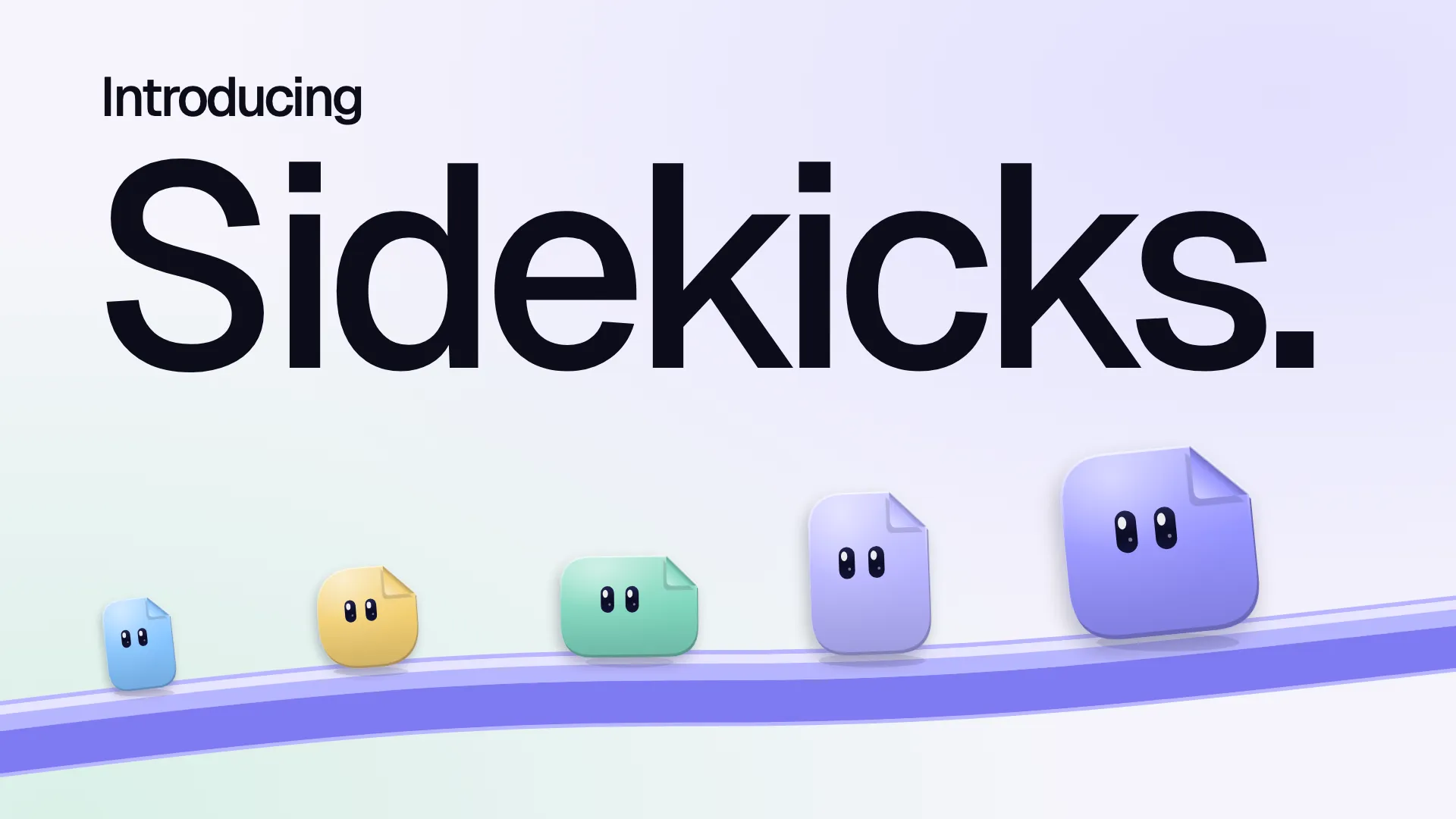
We announced Sidekicks at our launch event on 5 November, alongside sessions on the Doris Ontology and Patently’s experience with Doris. This post covers what we showed, for anyone who couldn’t attend.
Doris can now assign an agent to each of your deals. We call these agents Sidekicks. A Sidekick stays on one deal, reads its calls and emails, and prepares work for you to review. You can turn on a Sidekick for every open deal, or create them one at a time.
Each Sidekick works from the Doris Ontology, which holds every call, email and past deal your team has on record. Sidekicks are available now.
How Sidekicks work
Each Sidekick has one ongoing conversation that doesn’t reset, and it keeps working between your messages. These parts determine what it does, alongside the Ontology:
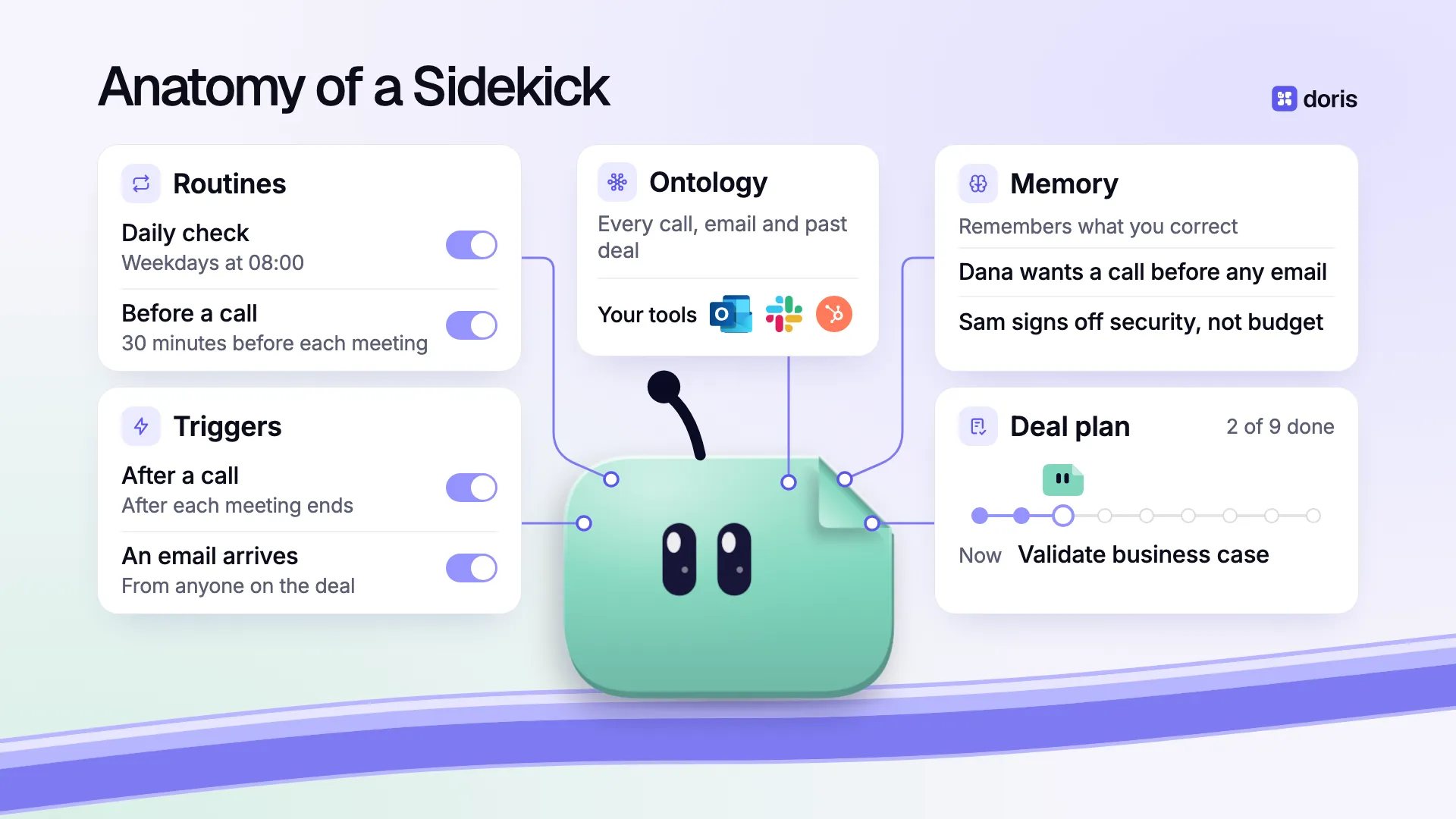
- Routines run on a schedule, such as a daily check at 08:00 on weekdays, or 30 minutes before each meeting.
- Triggers start work when something happens, such as a meeting ending or an email arriving from anyone on the deal.
- Memory holds your corrections. If you tell a Sidekick that a buyer wants a call before any email, it remembers.
- The Deal Plan records where the deal stands and what’s due next.
Sidekicks can also use the tools you connect, and they act as you when they do.
A Sidekick on a deal
Here’s how this looks on a fictional deal with a company called Acme. All the companies and people in these examples are made up.
After a call, the Sidekick reads what was said and notes that Acme’s CFO asked why they shouldn’t build the product themselves. It points out that Northwind’s CFO asked the same question in March, and that a cost case won them over.
You ask it to make the case for Acme. The Sidekick builds a build-versus-buy page from Acme’s figures and drafts an email to Dana Reed, Acme’s CFO. The page stays private until you share it, and the email waits for your approval.
Dana replies, asking to bring Sam, their Head of Engineering, to the next call. Sam is new to the deal, so the Sidekick adds them to the plan. Later, its daily check finds that the close date has moved to 12 December, past the budget sign-off Dana mentioned, and it asks whether you’d like to raise this on Thursday.
Across this sequence, you sent one message and approved one email.
Deal Plans
Every deal has one Deal Plan, which shows the path to close, the steps already done and what’s due next. The plan updates from each call and email.
Sidekicks can propose changes to the plan and explain why, drawing on your team’s past deals. On Acme, the Sidekick proposes two:
- Send the CFO the cost case. Northwind’s CFO asked the same question, and the cost case won that deal.
- Meet the CFO before procurement. Brightline lost when its CFO joined late.
Changes go onto the plan only after you approve them.
Canvases
You can ask a Sidekick to create a canvas: a page in your brand, built from the deal, that you can share with the buyer. At the launch, we showed three examples:
- Business case. A calculator built from the buyer’s figures. Acme’s compares $1.1M to build with $680K to buy, for 120 seats over three years.
- Security review. A custom diagram of where the buyer’s data goes, to answer a reviewer’s questions before a call.
- Mutual plan. The steps to signature, agreed on both sides.
A canvas holds the data from when it was last created or updated, and it doesn’t read the deal live. When the deal changes, you ask the Sidekick to update the page.
Doris, your chief of staff
Doris coordinates your Sidekicks. Each morning, it summarises the work that needs you. In our example, that was two plan changes to approve on Acme, a reply due to Orbit Labs’ CFO by noon, and call prep ready for Larkfield at 14:00.
You can ask Doris about a deal, such as whether Acme is on track, and it will ask Acme’s Sidekick for you.
You can also ask Doris to create new Sidekicks, or helpers that do a single job. If you ask for a helper that researches new accounts, Doris shows you what it would build, including its schedule, and starts it once you approve.
Keeping you in control
Sidekicks run on the deals you choose, and you can turn one off on any deal. Anything a buyer would see waits for your approval, with the exact message and recipients in front of you.
Your admin sets what Sidekicks may do and which tools they may use. Each rep also has a weekly allowance.
What’s next
Today, Sidekicks focus on deals from qualified to closed, where they prepare for calls and work the Deal Plan. We call this stage Win, and we’re extending Sidekicks to the stages on either side of it:
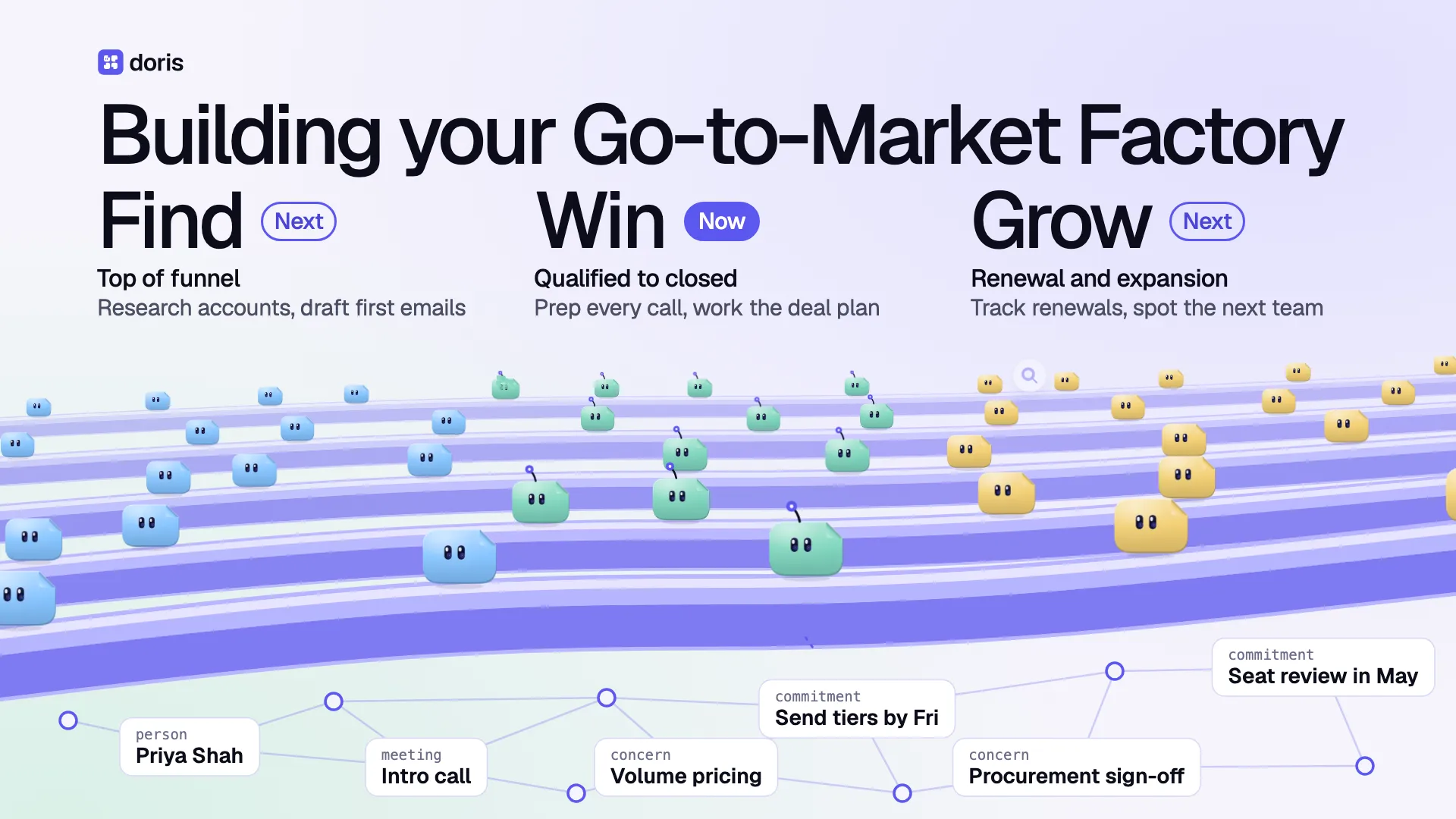
- Find covers the top of the funnel: researching accounts and drafting first emails.
- Grow covers renewal and expansion: tracking renewals and spotting the next team to sell to.
Together, these stages make up what we think of as your go-to-market factory.
We’re also working on three other capabilities:
- Their own computer. A virtual machine for every Sidekick, so it can use a browser and apps as you do.
- Doris in your apps. You’ll be able to ask Doris from your email, Slack or Teams without leaving the app.
- Doris on your computer. Doris will record calls with no bot, and your Sidekick will answer questions during the call using your past deals.
Getting started
Sidekicks are available now. Read more about Sidekicks, or book a demo to see them on your own deals.